
Features
AI Image Fix is built for repairing and improving existing photographs. Whether you want to remove an unwanted object, tidy up a background, cut something out, improve blur, upscale a photograph or create a camera-style depth of field effect, AI Image Fix gives you practical tools for photograph correction without sending your images to the cloud.
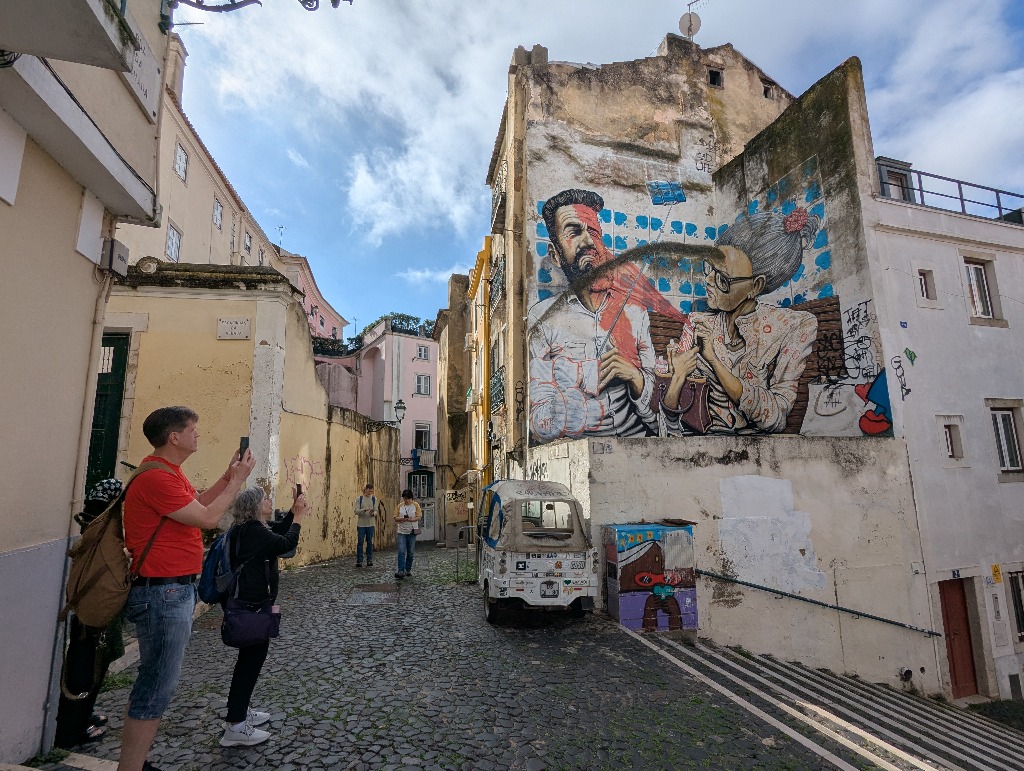
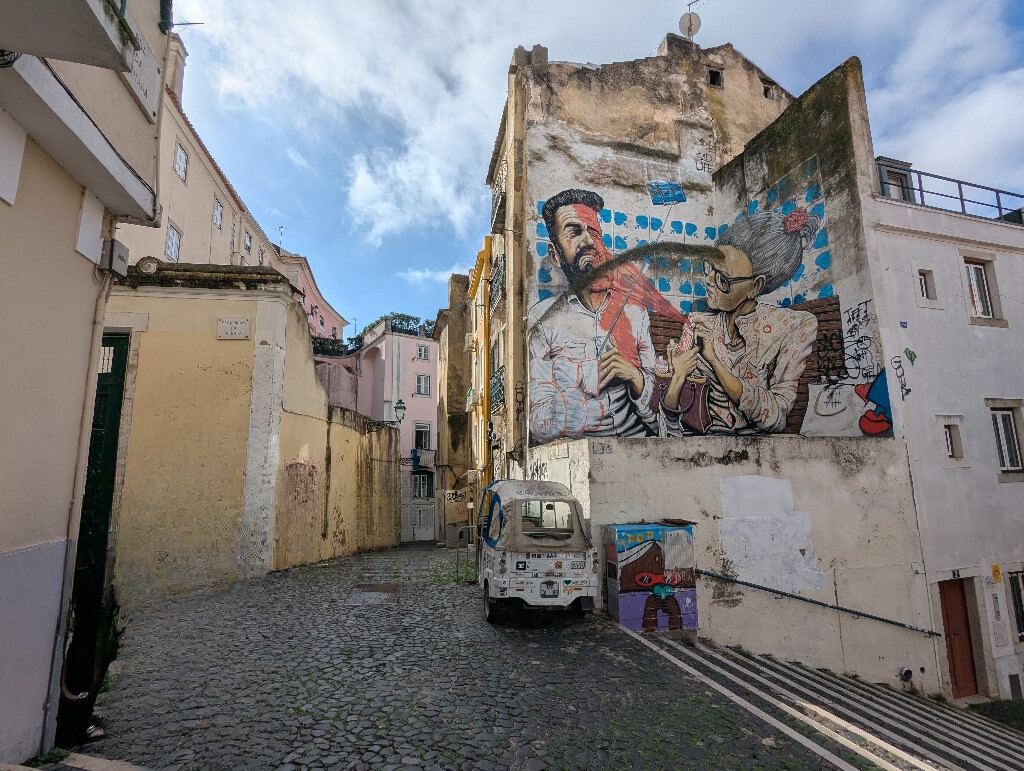
AI Image Fix can detect and erase something from a photograph, then fill in the space left behind. This works best when the background is fairly uniform, repeated or patterned, such as grass, sky, water, walls, fabric, paving, wallpaper or other consistent textures:
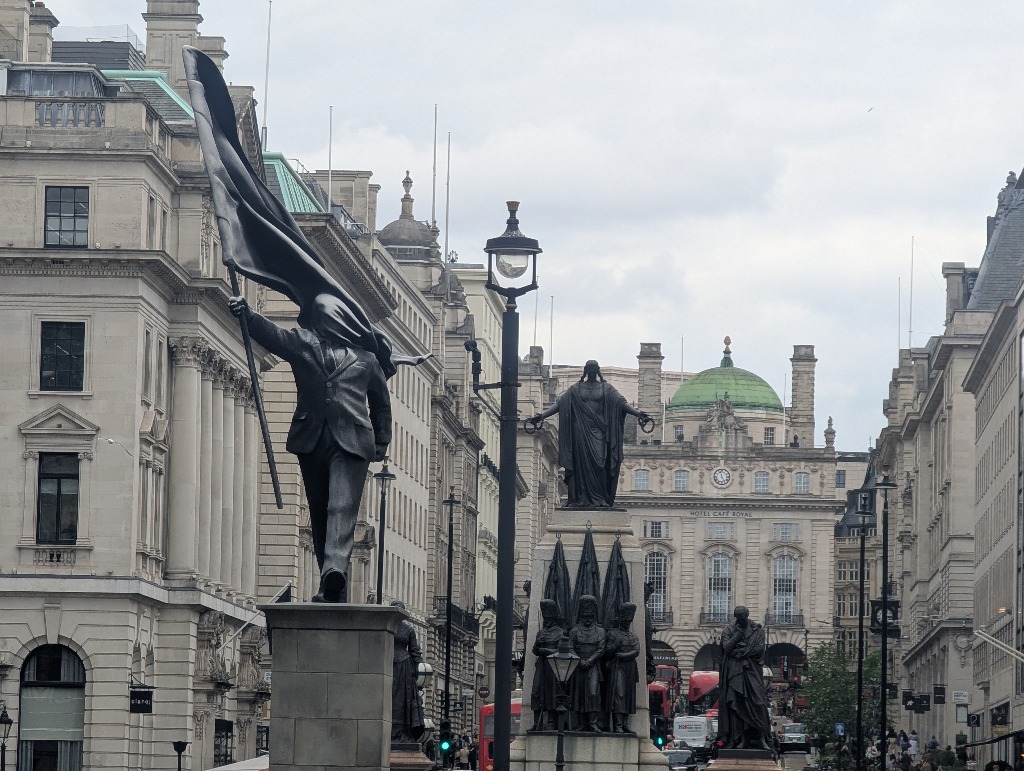
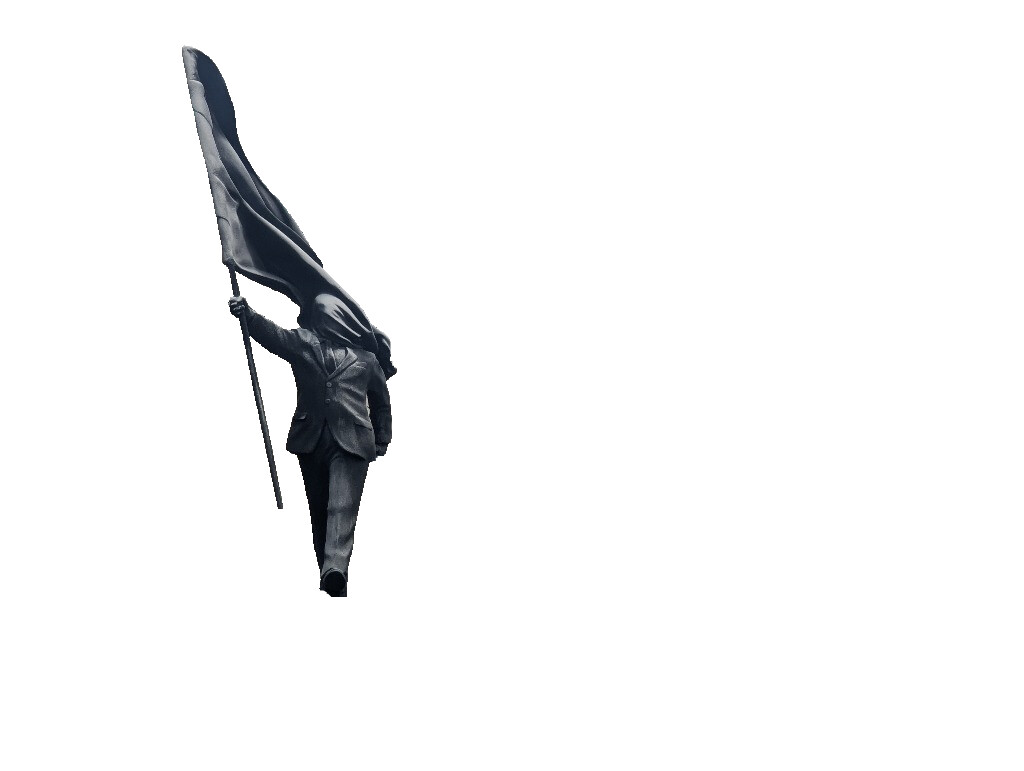
The application can also intelligently cut out an object, person or subject so that you can remove the background:
You can also move a detected object within a photograph. AI Image Fix helps you remove it from its original position, repair the area it came from, and place the object somewhere else in the image or another image. You can resize the object as you move it so that it better matches the depth and perspective of the scene:
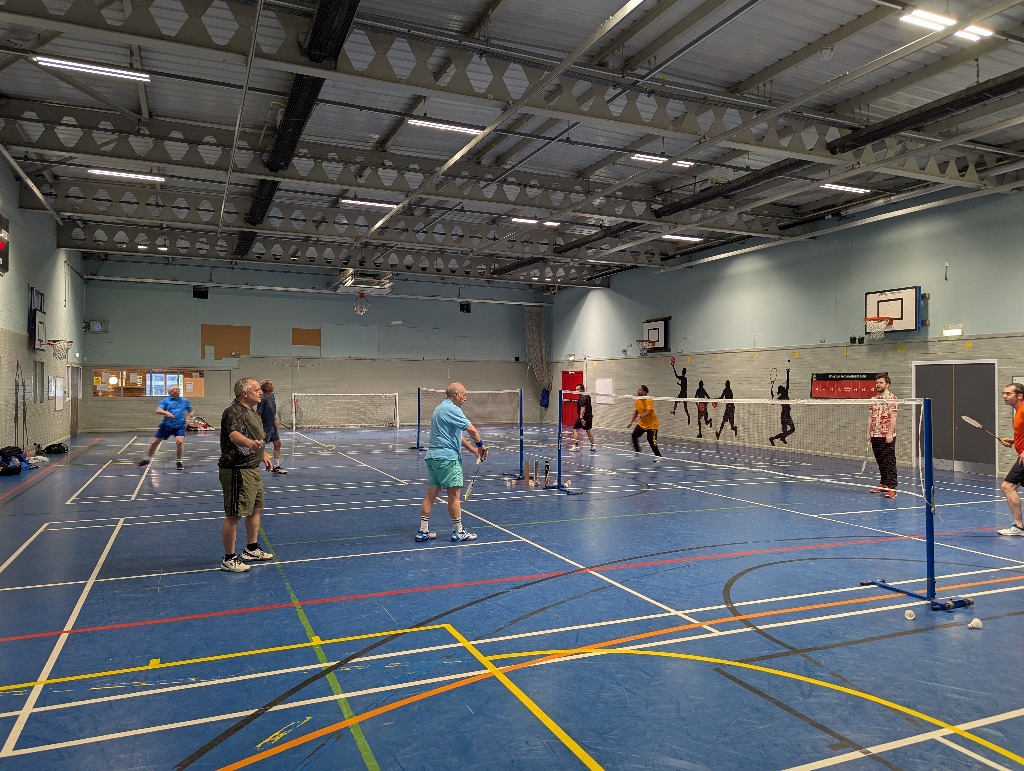
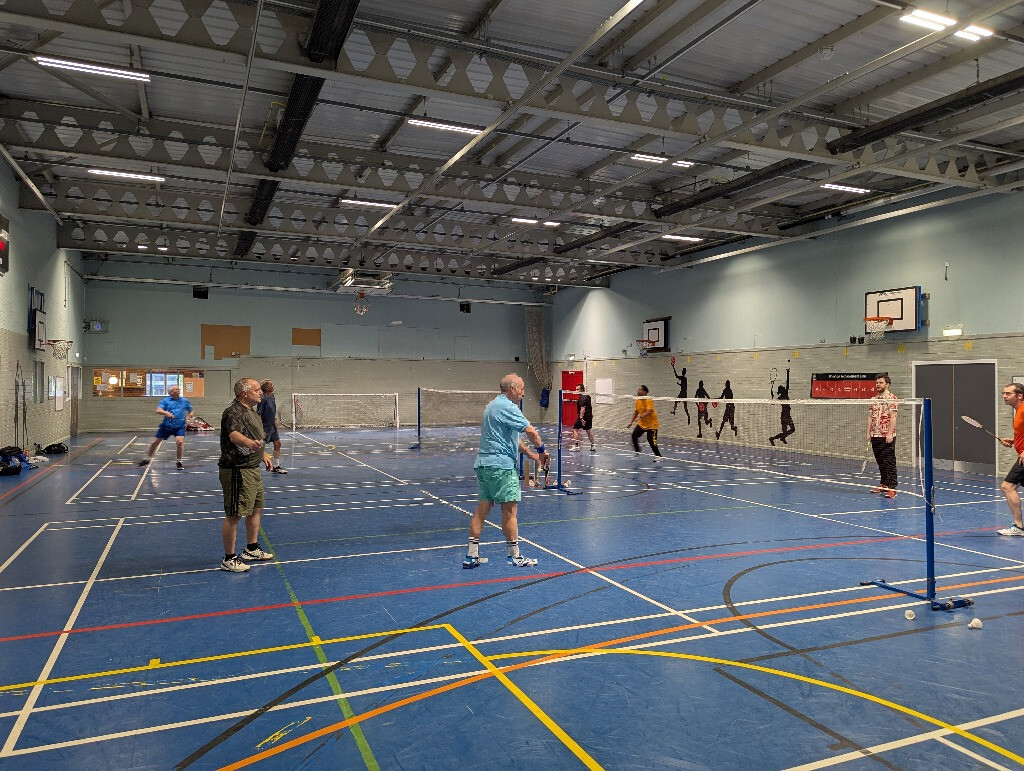
AI Image Fix includes intelligent blur correction for photographs with slight blur. It is designed to reduce unwanted softness while keeping image detail intact, avoiding the harsh or artificial look that can come from ordinary sharpening:
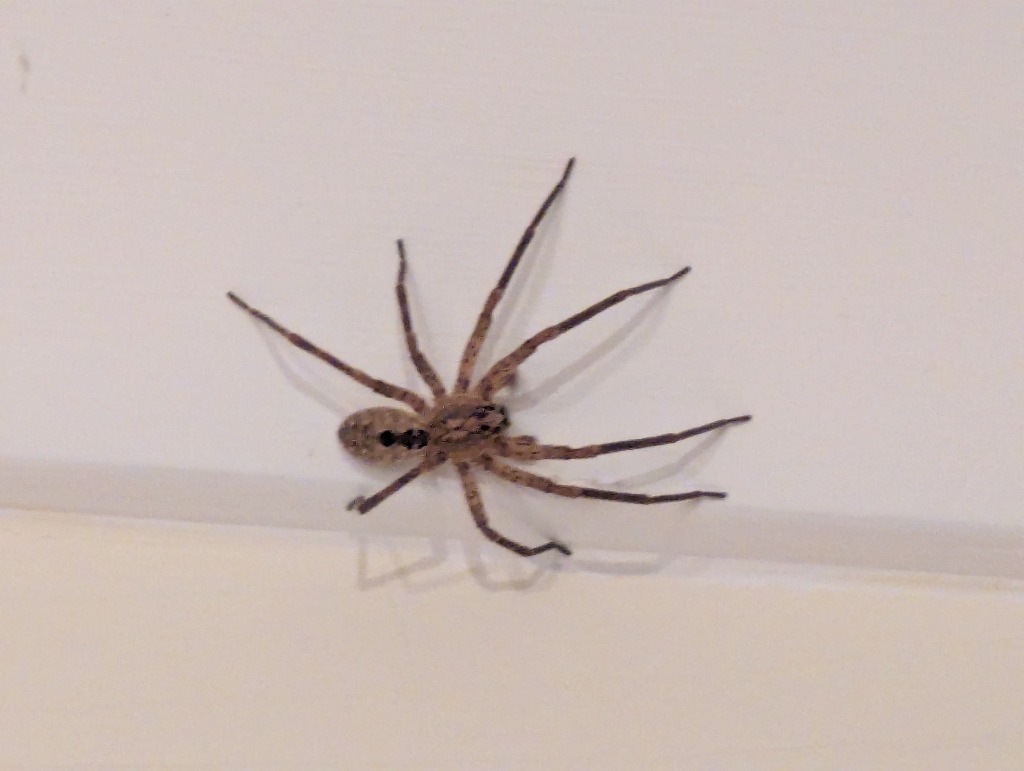
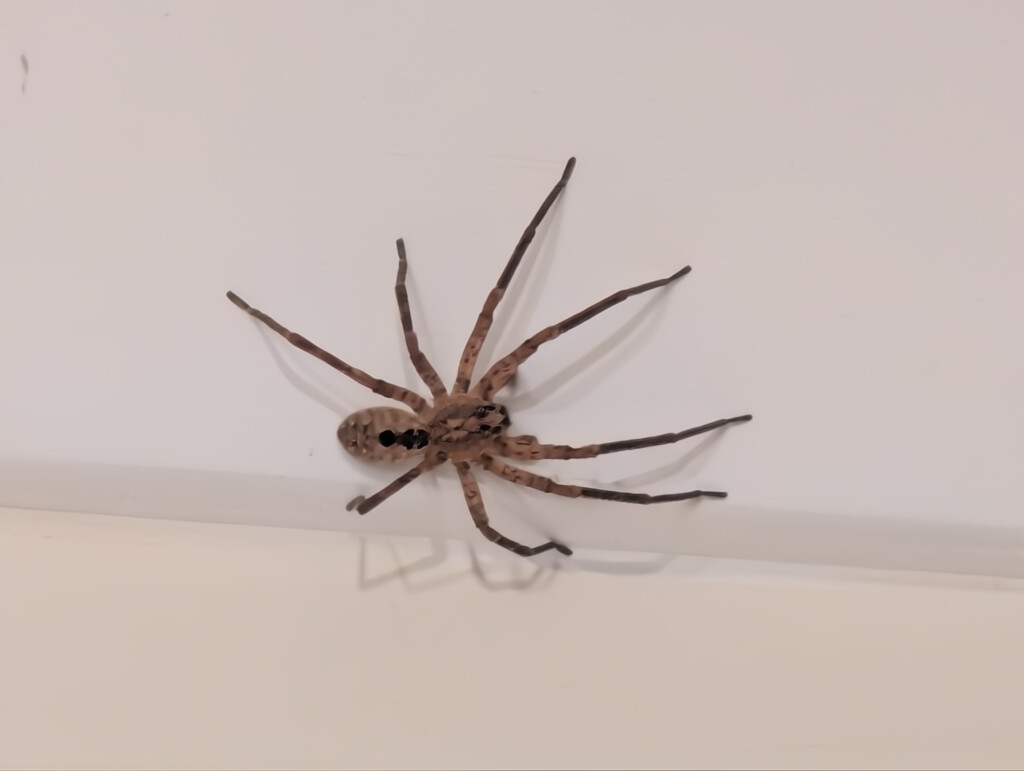
The application also supports AI upscaling at x2, x3 and x4 and more if you use it multiple times. Instead of simply interpolating colours like many traditional resize tools, AI Image Fix uses object detection and extension to create smoother, cleaner results. This helps enlarged images look more natural and less fuzzy:
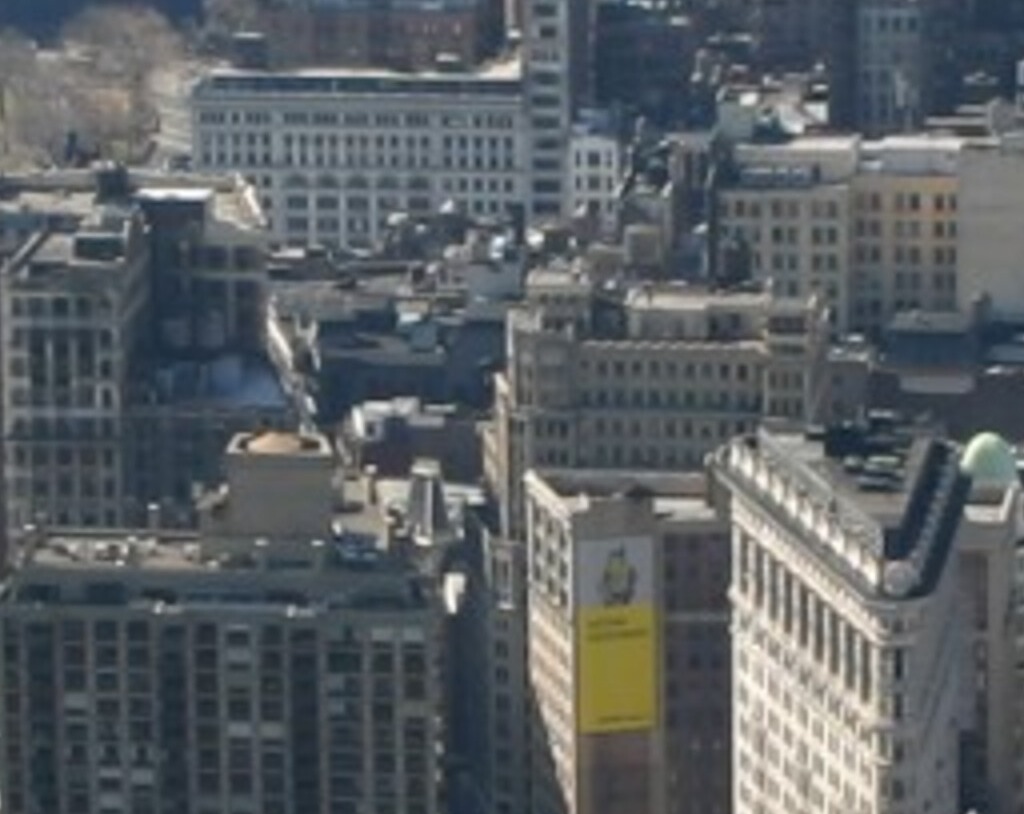
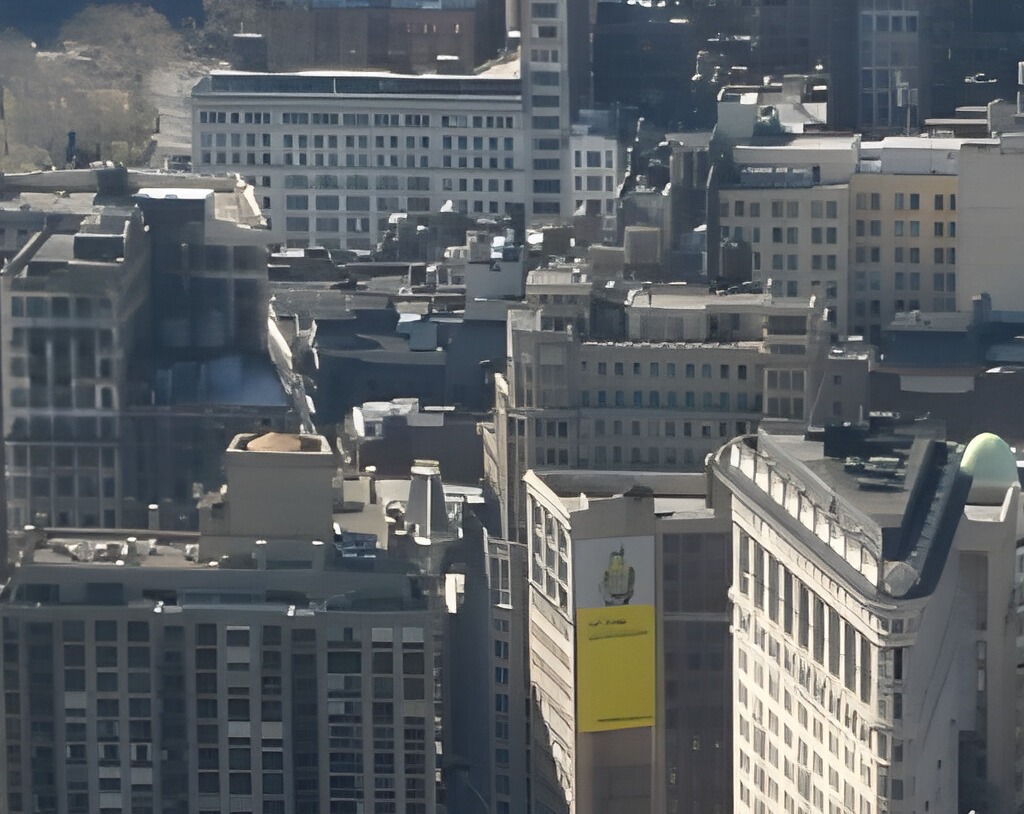
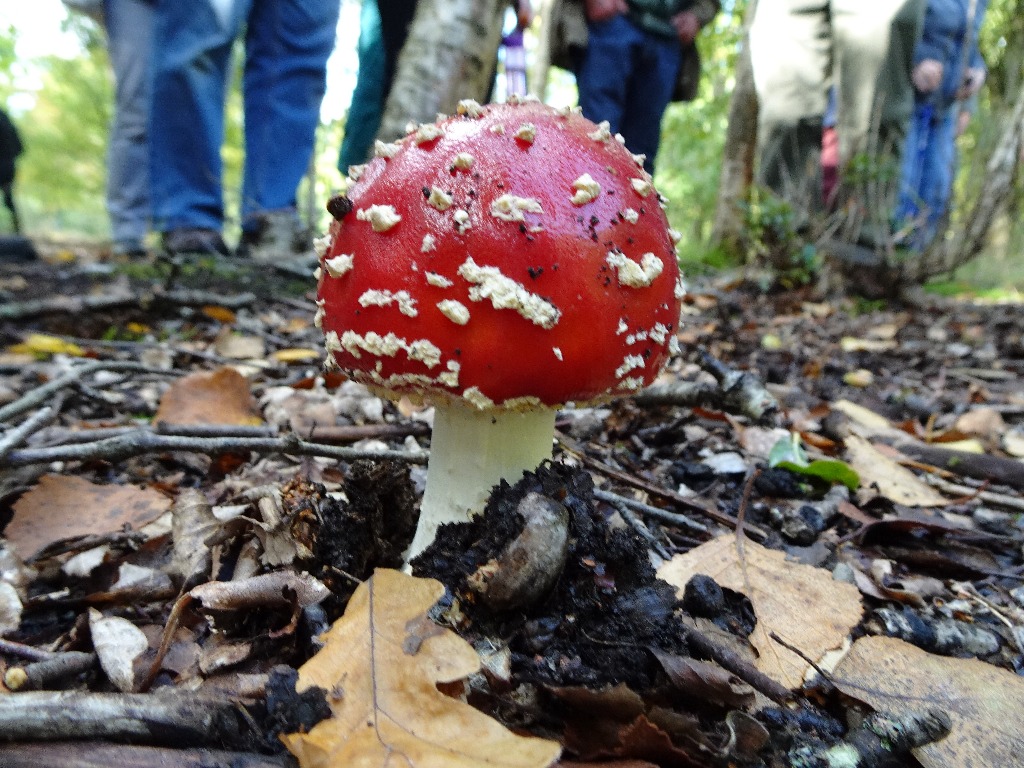
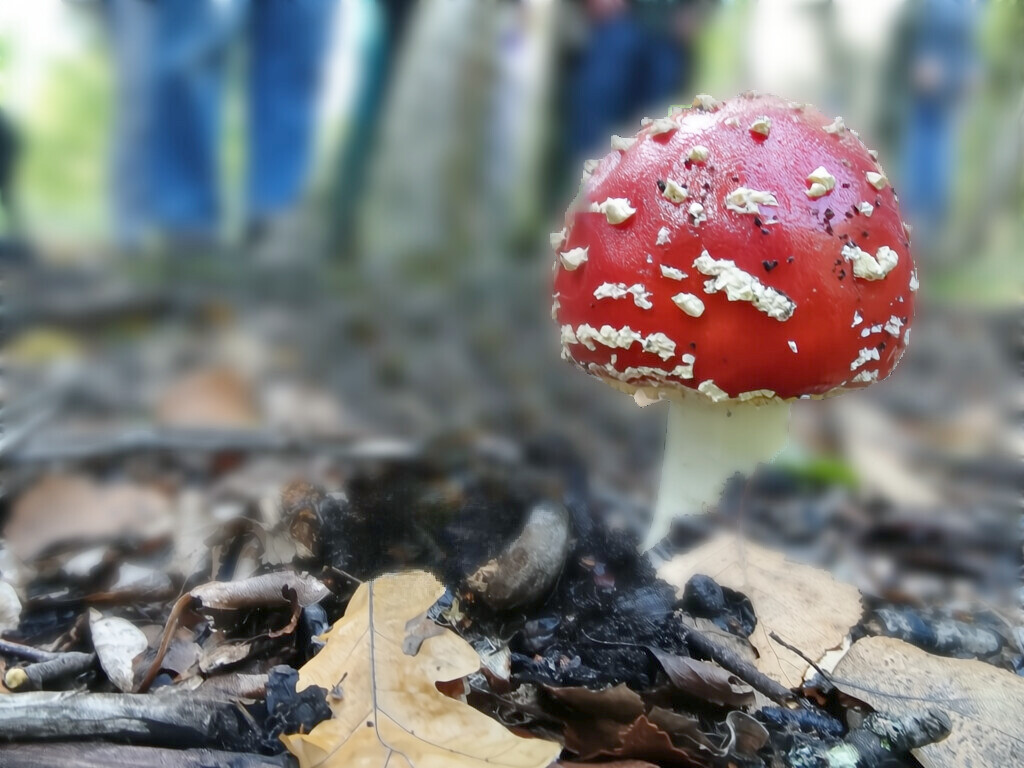
AI Image Fix can estimate depth in an image and use that information to blur the foreground and background. This lets you isolate an area of the photograph in a way that is similar to camera depth of field, helping the subject stand out while the rest of the image falls gently out of focus:
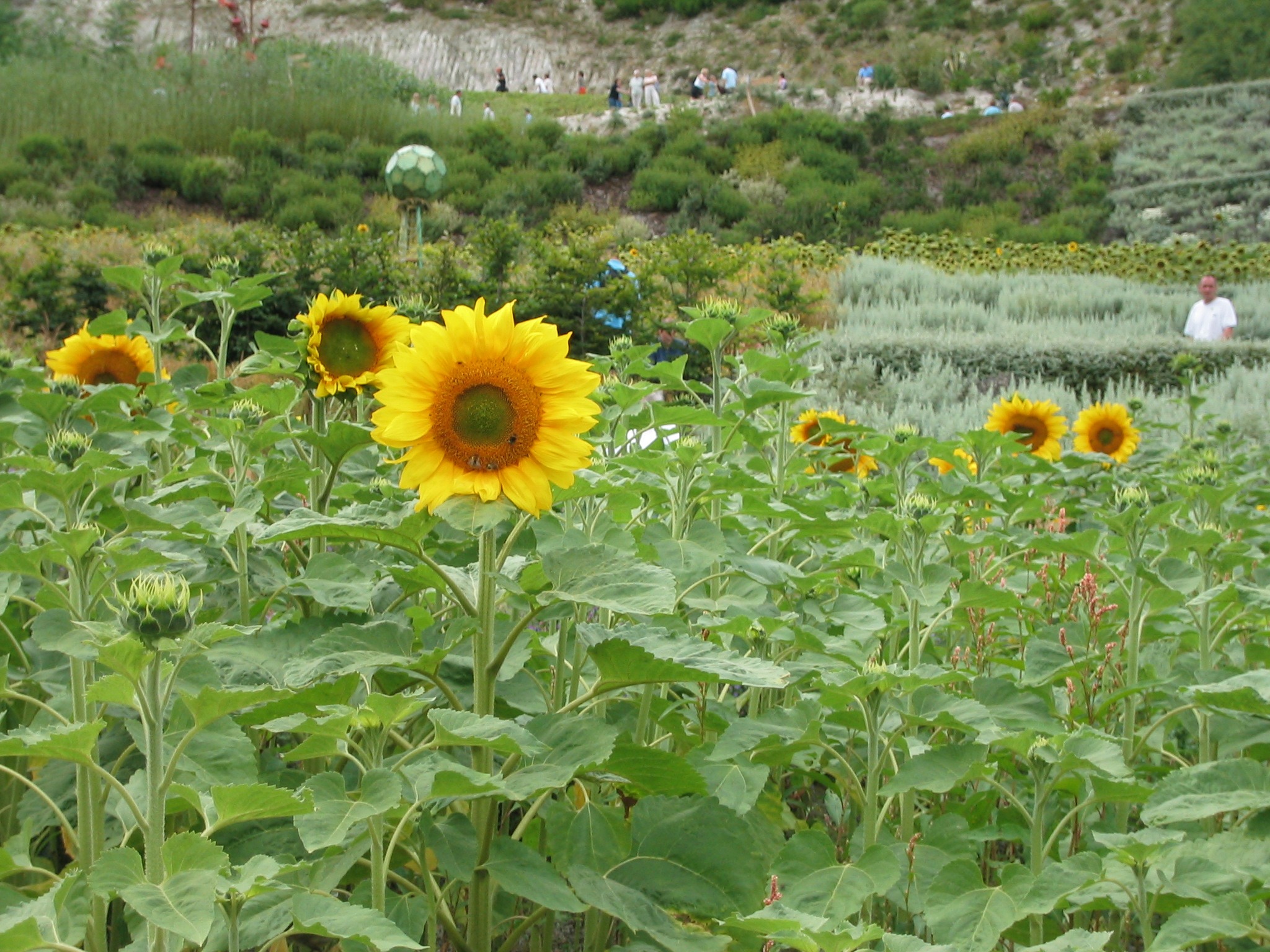
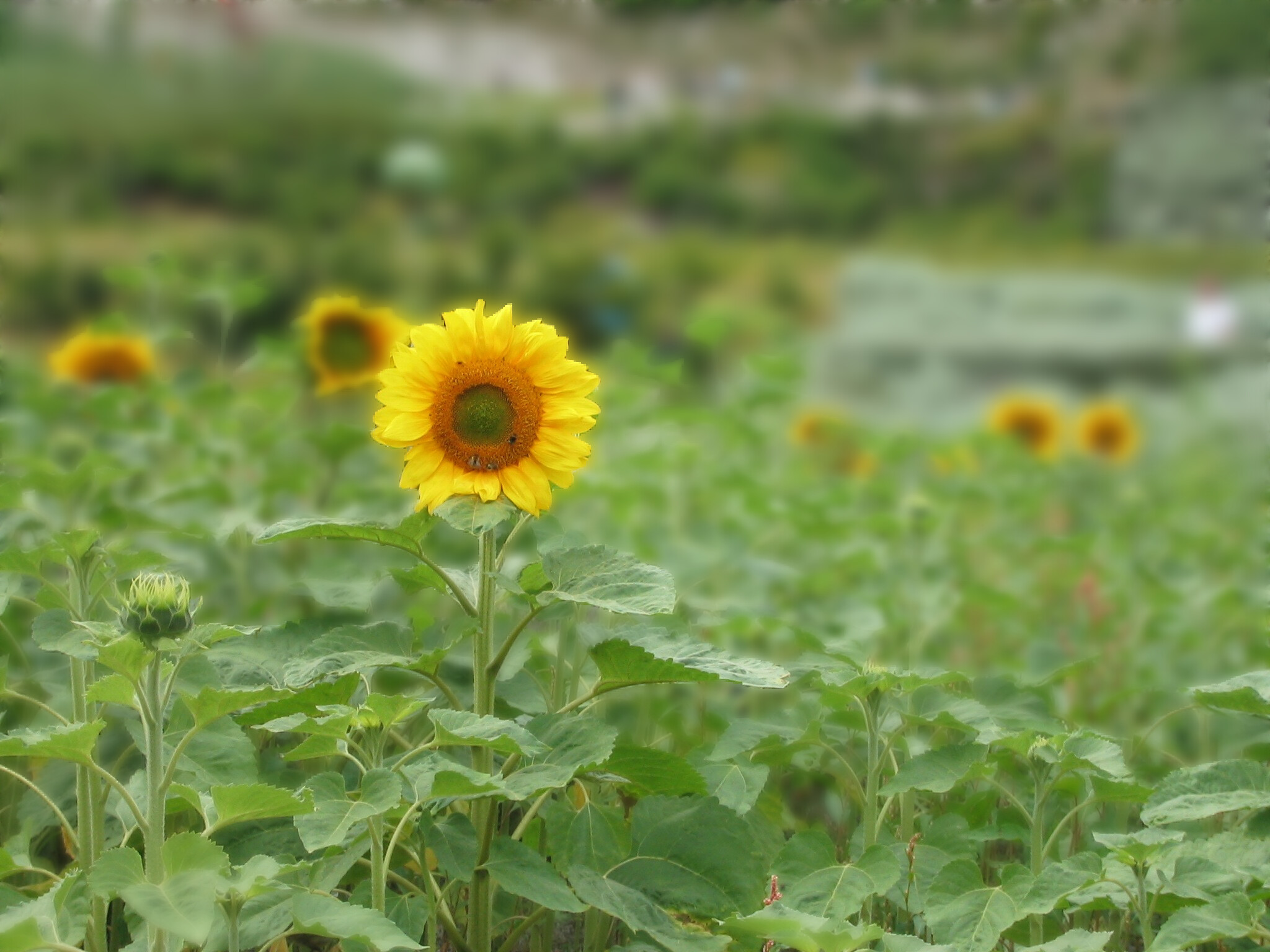
You can obviously combine multiple effects sequentially:
Everyday Image Editing Tools Included
AI Image Fix also includes the standard editing tools you need so that you do not have to keep leaving the application and opening another editor.
Loading and saving of .jpg, .png, .bmp, .tiff, .webp, .avif are supported so you can also convert between these formats. Common raw camera formats can also be opened but changes must be saved to one of the aforementioned formats.
You can crop, rotate, resize, change canvas size, adjust brightness, adjust contrast, change colour, sharpen, flip, correct perspective and lens distortion, denoise, annotate with text and remove image data such as EXIF information.
These tools are not AI features, but they are included because they are useful when finishing a repaired image.
What AI Image Fix Does Not Do
AI Image Fix does not create new images from text prompts. It does not try to be an AI art generator. The only generative-style feature is filling in areas where objects have been removed or moved, and that is there to repair the photograph, not to create a new one.
AI Image Fix does not track what you are doing. There is a logging function that can be turned on to send extra information for support, but it is off by default. You have to ask me how to turn it on, enable it yourself, and send the file manually.
AI Image Fix works locally on your PC. Your images are not uploaded, processed in the cloud or sent to an external service. They stay on your computer.
Unlike a lot of freeware, the installer doesn’t include anything other than AI Image Fix.
The only external communication the application performs is a version check against the aiimagefix.com server to see if a newer application version is available. This happens when the app starts, or when you manually check for updates from the About screen.